

Skills
Named playbooks a Teammate follows. Equip them from the library, write your own, or let the Teammate save a route that worked so the next run is short.
A skill is a playbook with a name: the full instructions for a job, plus the list of tools that job is allowed to use. When a request matches a skill, the Teammate follows it instead of working out a route from scratch.
The first time it meets a task, a Teammate has to find its own way through your systems. With a skill, it takes the route that already worked. That makes the answer faster, and it makes the answer the same on Tuesday as it was on Monday.
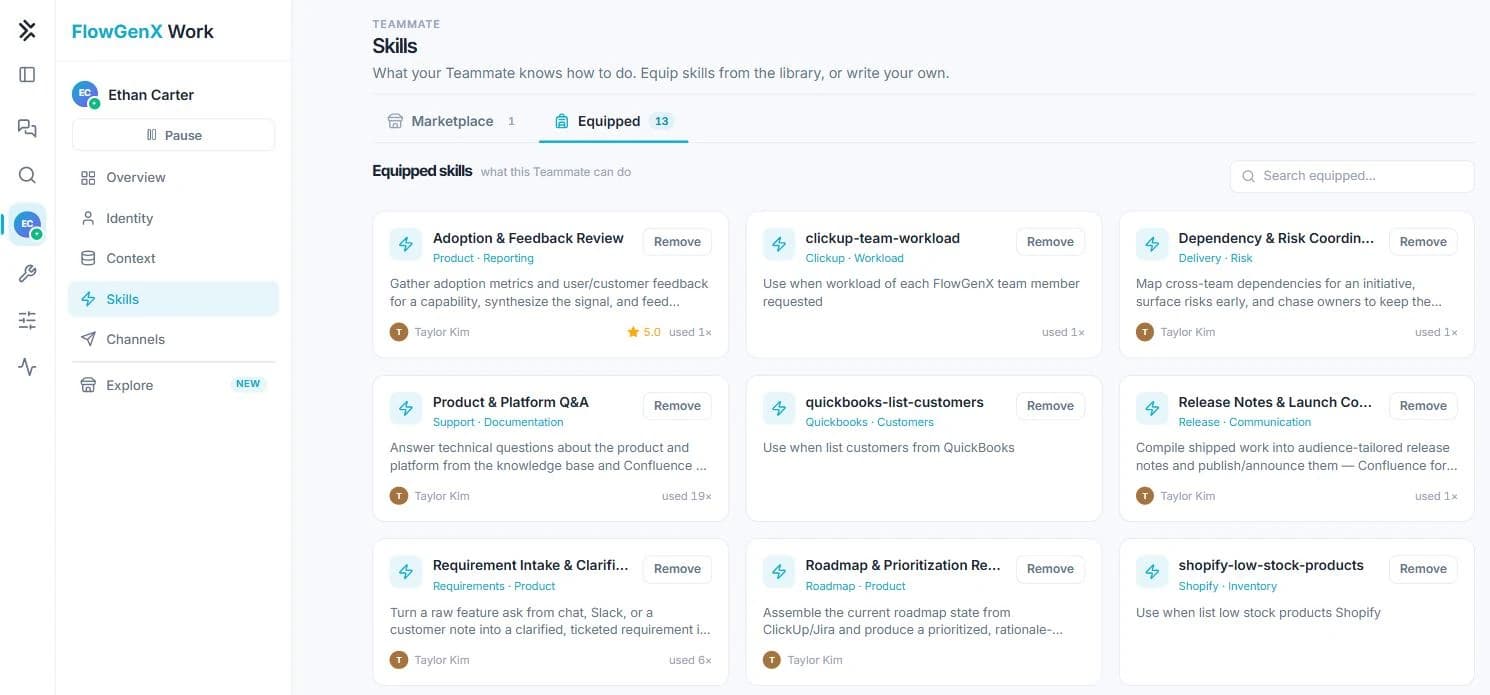
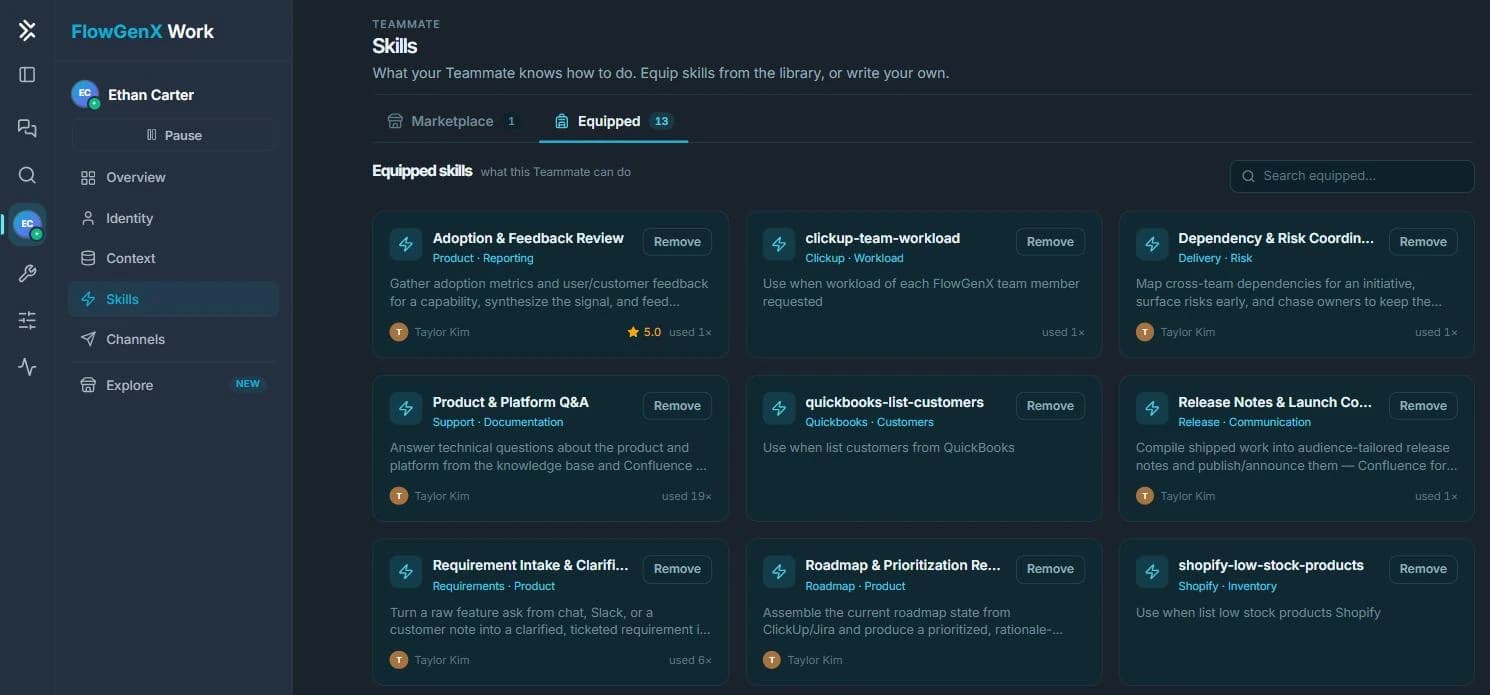
Equipped skills
The top card on the Skills page holds the equipped set. These are the skills the Teammate uses on its own. Nothing here waits for a person to pick it.
- The badge shows how many are equipped.
- Search equipped filters by name and description when the list gets long.
- Remove unequips a skill. The skill stays in the library. This Teammate just stops reaching for it.
Equipping is one of the most direct controls you have over scope. A Teammate that holds CRM and ledger skills will use them when a request looks even slightly related, whatever its job description says. If it should not touch a system, remove the skills that reach it.
Adding skills from the library
The lower card is a library of every skill available to your account, including built-in sets for finance, sales, support and productivity.
| Control | What it does |
|---|---|
| Search skills | Matches name and description |
| Tag filter | Filters the library by tag, with a count per tag |
| Recommended | A small bundle for this role, added in one click |
| Add | Equips the skill |
Recommendations follow the job title. A finance title brings up finance, reporting and invoice skills. An engineering title brings up engineering skills. When nothing fits, no banner appears, so the library never recommends something arbitrary.
This is a practical reason to write a precise job title. "Coordinator" recommends nothing. "Accounts Receivable Analyst" recommends the right shelf.
A ready-made Teammate arrives with four skills already equipped for its role.
How it chooses a skill
The Teammate always knows the names and descriptions of the skills it holds, so an obvious match costs nothing. When the match is not obvious, it searches its skills by topic. Then it loads the one it picked and works through it.
You can watch this in a channel. A well-formed run says which skill it is loading before it starts work.
Writing a good skill
Two fields decide whether a skill is picked, and both are read before the instructions are.
Name. A short slug that says what it acts on: clickup-workspace-scan, quickbooks-invoice-status, hubspot-contact-deals-lookup.
Description. Start with when it applies, not with what it does:
Use when a ClickUp question spans many tasks.
Use when acting on ONE known ClickUp task or list.
Use when fetching QuickBooks invoice status by doc number.
Those three descriptions keep three similar skills apart. "Scans ClickUp" on all of them would not.
Then write the body as you would for a capable colleague who has never done this particular job: where to look, what counts as done, what to return, and what to escalate instead of deciding.
A skill carries a tool allowlist, and a run that follows the skill uses only those tools. Keep the list to what the playbook needs. A skill that only reads should not list tools that write.
Skills the Teammate saves itself
When a Teammate finds a route that works, it can save that route as a skill. An exploration that took two minutes becomes a repeat that takes twenty seconds.
Saved skills appear on the Skills page with the rest. Read them the way you would review a colleague's runbook, because they record the assumptions of the day they were written. Edit or remove any of them.
What it writes into a skill is checked before it is saved. Content that looks like planted instructions, or like an attempt to send data somewhere it should not go, is rejected.
Sharing a skill
A skill you wrote is private to your account until you select Publish to organisation on its page. After that, colleagues can equip it on their own Teammates. Make private withdraws it.
Skills and routines
Easily confused, and they do different jobs.
| Runs when | Use it for | |
|---|---|---|
| Skill | The Teammate decides a request matches it | A procedure you want followed the same way every time |
| Routine | On a schedule, on an event, or when you say "run it now" | Recurring work that produces a result on its own clock |
A routine often uses a skill. The skill says how to build the pipeline summary. The routine says to do it every Monday at 9. See Routines.
Memory & Knowledge
AI employee memory: what a Teammate remembers on its own, what it looks up in company knowledge, and how a job done once becomes one it can repeat.
Apps, APIs & Tools
What a Teammate works with. Your connected apps, any API you import, your MCP servers, your agents and workflows, plus files, data, charts and media.