

AI Employee Templates
Nine ready-made AI employee templates, each with a role, skills, starter routines and apps to connect. Bring one onboard in a click or write your own.
A Teammate with no job description is a general assistant with a name badge. What turns it into a colleague is a specific role: what it owns, what it decides, and what it hands back. You can write that role yourself, or start from one that is already written.
The gallery
Open Explore in the Teammate section. Each card is a complete Teammate: a name, a role, a job description, four skills, three agents, three starter routines and the apps it works best with.
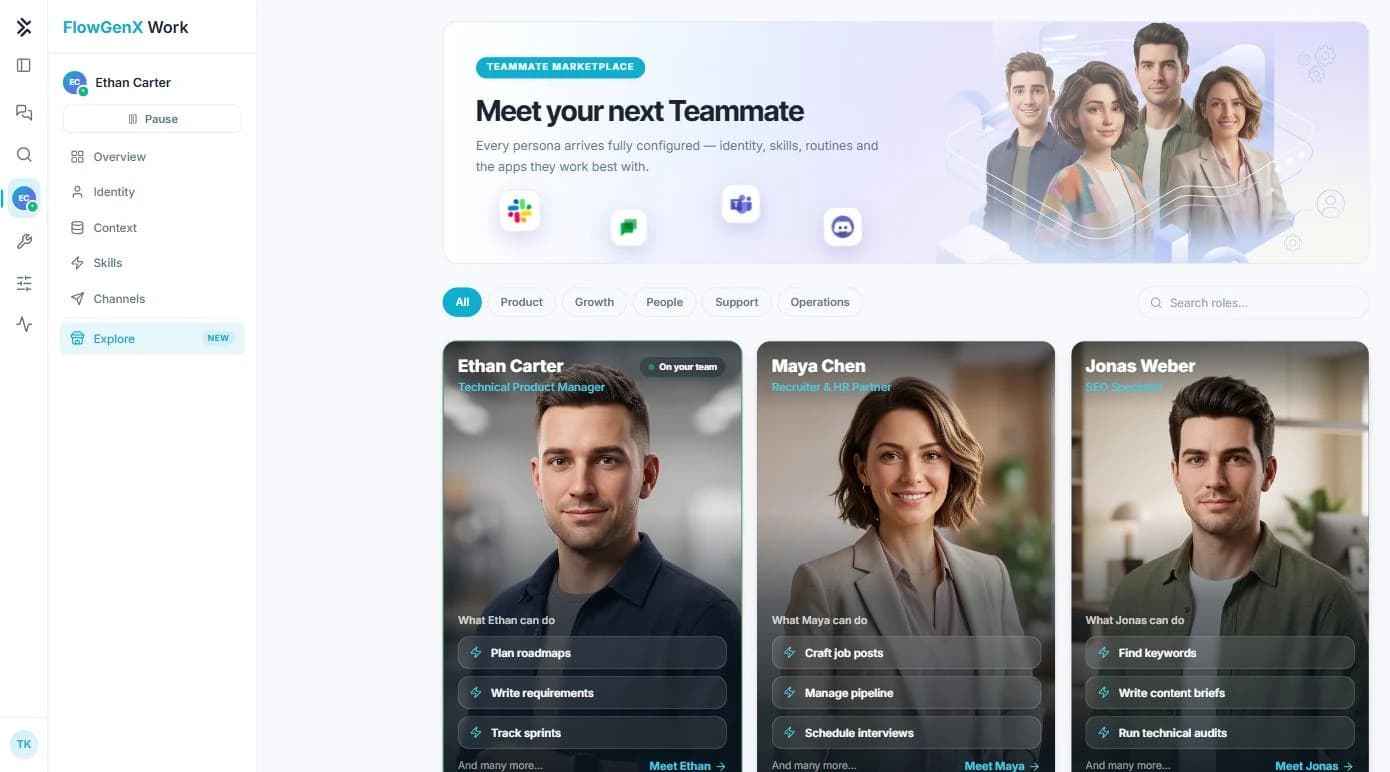
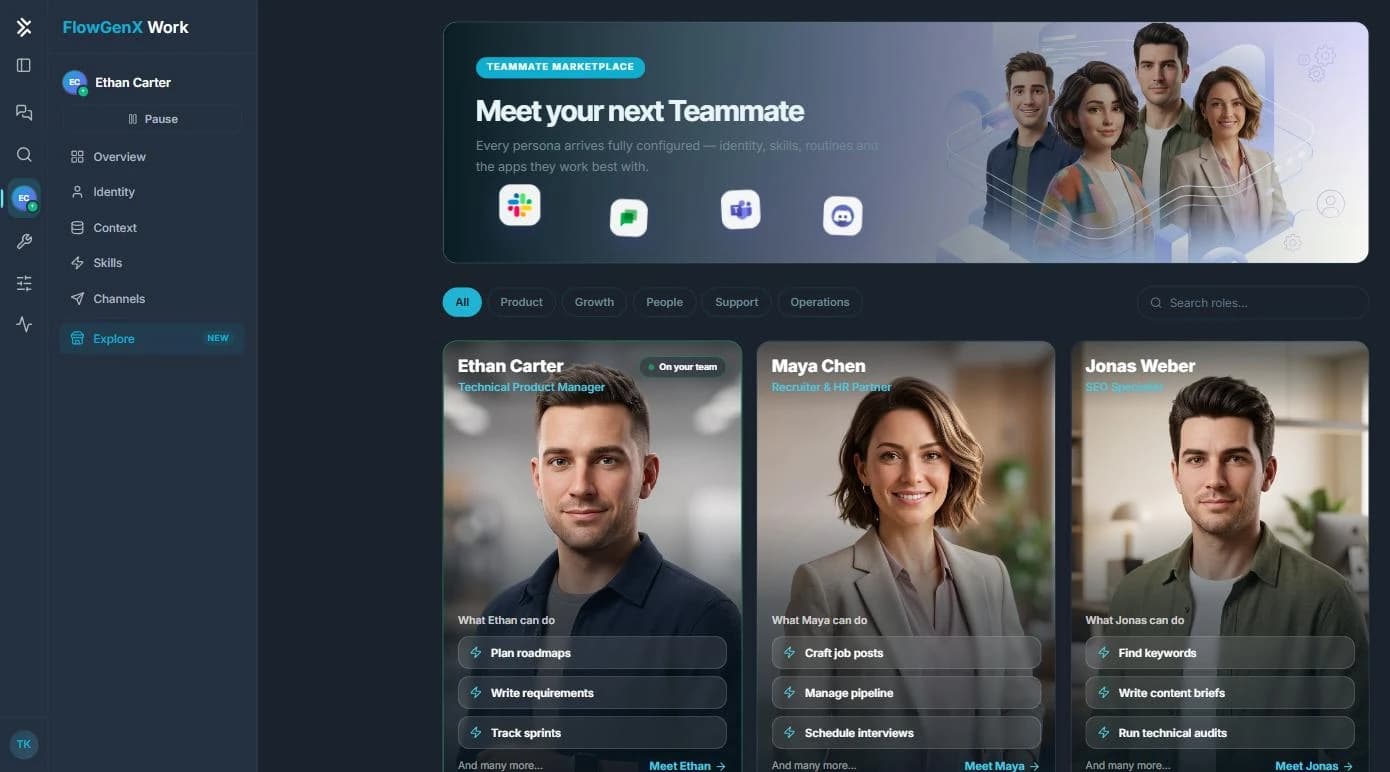
| Teammate | Role | Takes on |
|---|---|---|
| Ethan Carter | Technical Product Manager | Roadmaps, requirements, sprint tracking, stakeholder briefs |
| Maya Chen | Recruiter & HR Partner | Job posts, candidate screening, interview scheduling, onboarding |
| Jonas Weber | SEO Specialist | Keyword plans, content briefs, technical audits, ranking reports |
| Sofia Reyes | Social Media Manager | Content calendars, post drafts, scheduling, performance recaps |
| Daniel Okafor | Sales & CRM Operations | CRM hygiene, follow-ups, pre-call briefs, outreach drafts |
| Aisha Rahman | Customer Support Lead | Ticket triage, replies grounded in your help docs, escalation, new help articles |
| Henrik Larsen | Finance & Bookkeeping | Categorized spend, invoice follow-ups, reconciliation, cash-flow briefs |
| Priya Nair | Data Analyst | Metric investigations, funnel analysis, dashboards, written insight |
| Grace Kim | Executive Assistant | Calendar defence, meeting prep, inbox triage, commitment tracking |
What comes in the box
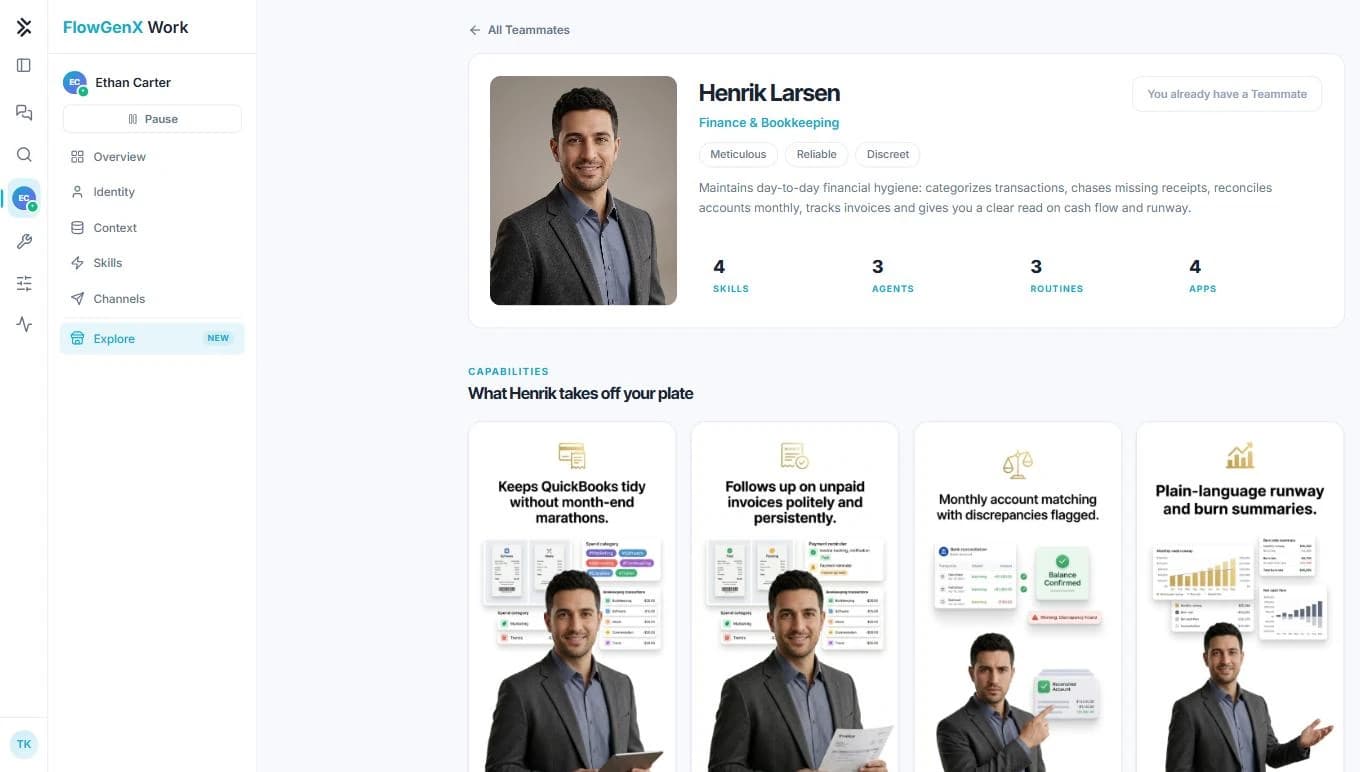
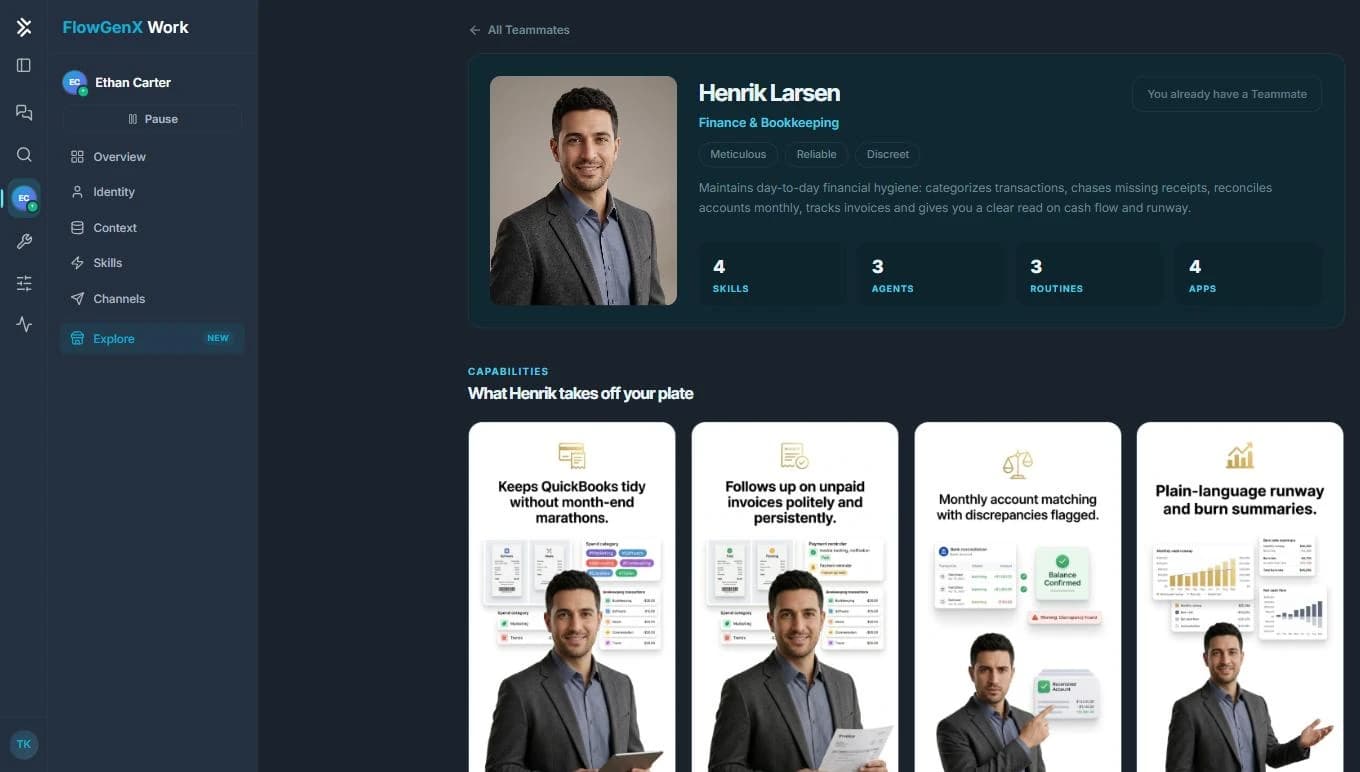
Take Henrik Larsen, the Finance & Bookkeeping Teammate, as an example.
| What you get | |
|---|---|
| Skills | Receipt chaser, Invoice reminders, Expense anomaly alerts, Monthly close pack |
| Agents | Categorizer, Collections and Close: three specialists it can hand parts of the job to |
| Starter routines | Cash position brief on Monday, Overdue invoice sweep on Wednesday, Month-end close on the 1st |
| Apps, core | Accounting: QuickBooks, Xero, NetSuite or FreshBooks |
| Apps, optional | Budget models in Sheets or Excel, payments in Stripe or PayPal, invoice email in Gmail or Outlook |
Apps are listed by purpose, not by brand. "Accounting" is satisfied by whichever of the four you already use. Core apps are the ones the role cannot do its job without. Optional apps widen what it can take on.
Starter routines arrive switched off. Nothing runs on a schedule until you open a routine, check it, and turn it on. See Routines.
Bringing one onboard
- Open a card and read the detail page.
- Select Bring … onboard. The button carries the Teammate's first name.
- The persona, skills and routines are copied to your account, and the Studio opens on it.
Three things are worth knowing:
- It is a copy. Rename it, rewrite the job description, remove a skill. It is yours.
- Nothing is overwritten. Applying a Teammate adds to a fresh account. It does not replace work you have already done.
- Later changes to the gallery never reach you. A Teammate you deployed stays the way you left it.
An account has one Teammate. Once you have one, the gallery stays open for browsing, and the button is replaced by a note saying you already have a Teammate.
Building one yourself
Choose Configure manually on the start screen and the Studio opens on Identity with a blank Teammate.
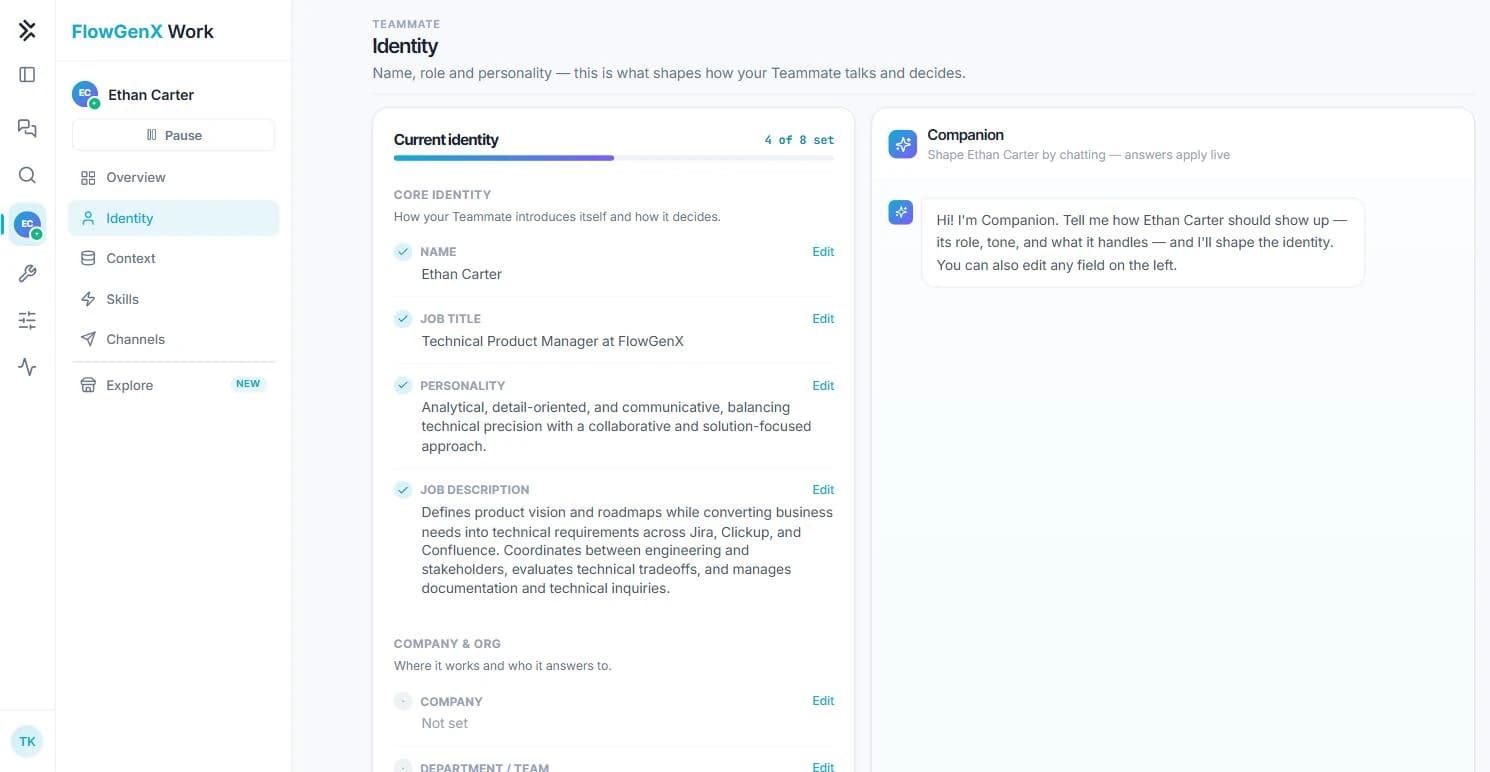
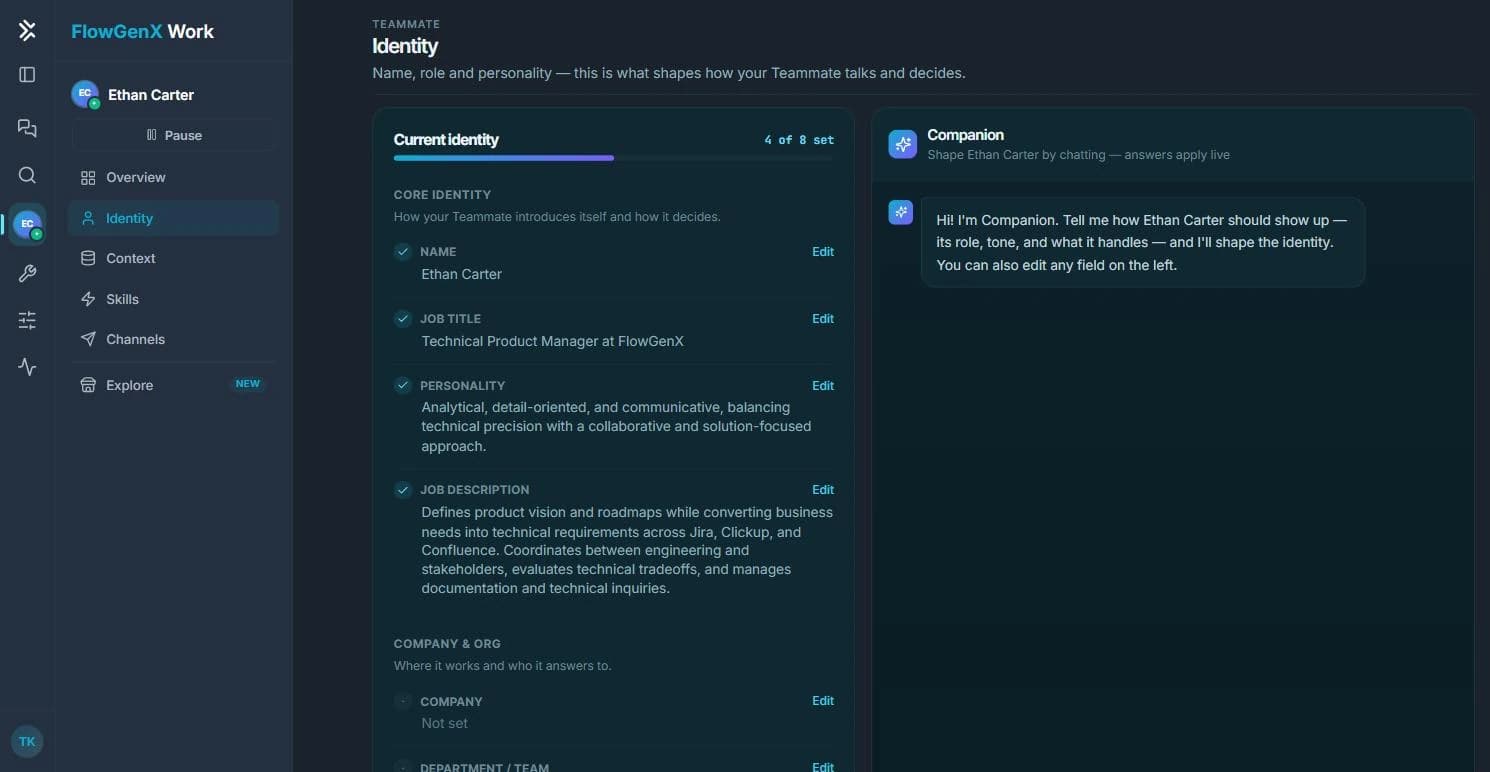
| Field | What it is | What it drives |
|---|---|---|
| Name | A human name | The author of every message it posts, and how colleagues address it |
| Job title | Its role, written as you would write a real one | How it introduces itself, and which skills the library recommends |
| Personality | Two or three traits describing how it should sound | Tone in every channel |
| Job description | What it owns, decides and hands back | What it picks up when a request is ambiguous, and what it leaves alone |
You can also record the company, department and who it reports to, which it uses when it introduces itself and when it decides who to escalate to.
Let the Identity chat draft it
The panel on the right of the Identity page is a chat that writes the fields for you. Describe the role in your own words:
She runs our monthly close. She should chase missing invoices, reconcile
against the ledger, and escalate anything over ten thousand dollars instead of
deciding it herself. Direct, no filler.
It drafts the name, title, personality and job description from that, and the fields on the left fill in as it answers. You can still edit any of them by hand.
Writing the job description
This field does the most work, and it is the one most often written too thin.
A weak job description names a topic:
Helps with product management.A strong one names systems, decisions and boundaries:
Defines product vision and roadmaps while converting business needs into
technical requirements across Jira, ClickUp, and Confluence. Coordinates
between engineering and stakeholders, evaluates technical tradeoffs, and
manages documentation and technical inquiries.
The difference shows up when a request is ambiguous. Asked "can you look at the pipeline?", the first version guesses. The second knows that a delivery pipeline is its business and a sales pipeline is not.
The job description steers, it does not enforce. It shapes what the Teammate chooses to do, but it is not a permission boundary. What it can reach is decided by the account's connections, the skills it holds, and the settings on the Capabilities page. Write the job description to guide judgment, and use those controls to set hard limits. See Governance and control.
Personality
Keep personality to how the Teammate communicates. Anything about what it does belongs in the job description. A comma-separated opening line reads best, because the Overview page shows the first few traits as chips:
Analytical, detail-oriented and direct, balancing technical precision with a
collaborative, solution-focused approach.
Changing identity later
Identity edits take effect on the next message. There is nothing to rebuild or redeploy.
Renaming or re-scoping a Teammate does not reset what it has learned. Memory and skills belong to the account, so a Teammate that changes job title still remembers everything from the old one. If that is not what you want, open Context and remove what no longer applies.