Integration Studio
Connect anything to your AI workflows
Updated
Pre-built, MCP-enabled connectors. App event triggers. MCP-compatible tool servers. Import any API or Postman collection — auto-converted to MCP.
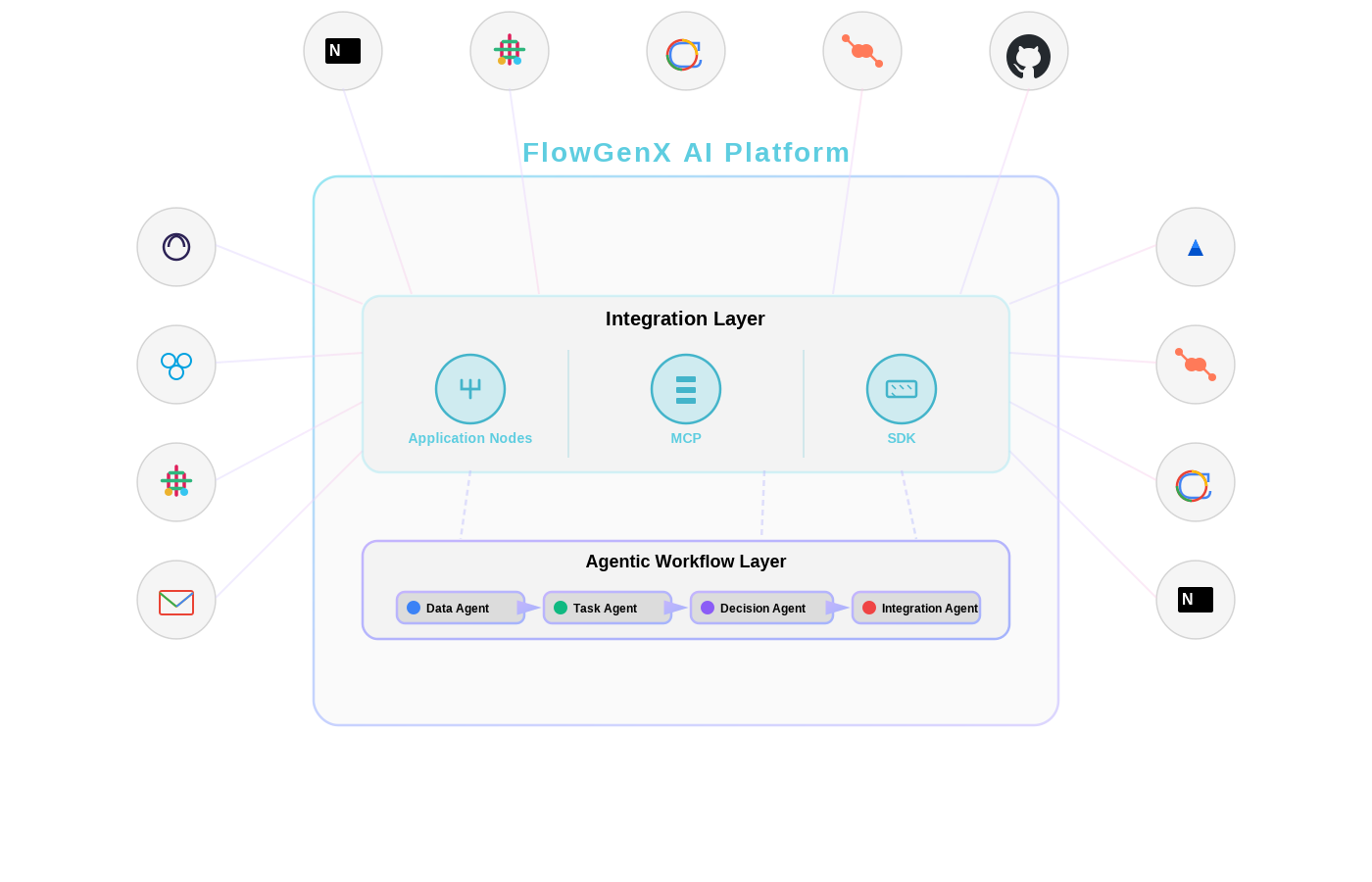
Integration Hub
Connect to anything.
Four ways to do it.
Whether you're building a no-code workflow, deploying a tool-calling agent, or extending the platform with custom connectors — FlowGenX AI gives every team the right integration path.
Drag pre-built app connectors directly onto the canvas as native workflow nodes. Salesforce, HubSpot, Gmail, Slack — each one a first-class citizen.
Start workflows the instant something happens in any connected app. New opportunity, payment received, PR opened — real-time signals, zero polling.
Plug any MCP-compatible tool server into your agents. AI nodes call external tools — databases, APIs, custom services — via the open Model Context Protocol.
Import any API or Postman collection and we auto-convert it into an MCP-enabled connector — ready to use in workflows and agent orchestrations instantly.
MCP Servers
Any tool server, instantly available to agents
Connect any MCP-compatible server. Agents call tools from external systems without custom integration code. Going the other way — letting Claude, ChatGPT, or your own agents call FlowGenX tools — is Enterprise MCP.
Databases
Postgres, MySQL, MongoDB, Redis — query and mutate data from any agent.
REST & GraphQL APIs
Call any external API endpoint. Auto-schema from OpenAPI specs.
Custom Tool Servers
Build and deploy your own MCP server in TypeScript or Python.
Loading…
Your integrations, four ways
to connect them.
See Integration Studio live — from drag-and-drop app nodes to API and Postman collection imports.